
A WordPress SEO checklist for small business should cover the published website, not just an SEO plugin’s settings. WordPress gives you a content system, but you still need clear pages, intentional URLs and a working inquiry path. Use this checklist when launching a new site or reviewing an existing one after a theme or plugin change.
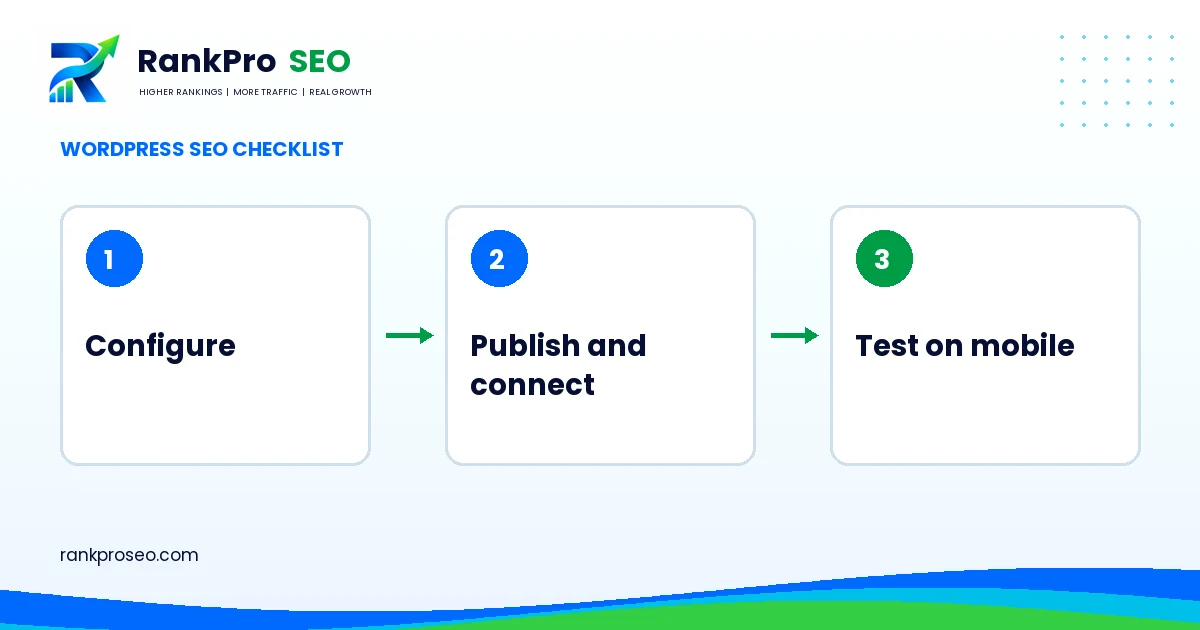
WordPress SEO checklist for small business: verify the public version
Open the site as a visitor and confirm the preferred HTTPS domain loads. Review the Reading setting that discourages search engines when you are ready for public discovery. Staging sites may need restrictions, while the live site needs intentional access. Check that the correct homepage appears and that sample pages, demo posts and temporary text are removed from navigation and public archives.
Do not change multiple settings simply because they appear in a generic tutorial. Record the current state and understand what the change affects. For an existing website, changing a permalink can require a redirect plan. For a new website, settle the structure before sharing the URLs widely.
1. Give every public page a role
- Homepage: explain the business, its main offer and a clear next step.
- Service pages: describe distinct delivery scopes and answer buyer questions.
- Industry pages: address genuinely different buying contexts rather than repeating the same service copy.
- Blog posts: solve supporting information needs and link to the appropriate service.
- Contact and policies: make communication and data handling understandable.
Close keyword variants usually belong on the same page when the user need is the same. Keep one ownership map listing the main intent and URL for each page. This helps editors avoid publishing a new article that repeats an existing service page under a slightly different title.
2. Check titles, headings and internal links
Use a descriptive title and one clear main heading. Organize the rest of the page so readers can scan the work, fit, process and questions. Check navigation links and contextual links after publication. A good service page should not depend on the visitor finding it through a search engine; it should be reachable through your own website.
3. Review plugins by purpose
Choose one clear owner for each function, such as caching, metadata, forms and backups. Installing overlapping tools can make behavior difficult to diagnose. Before adding a plugin, ask what problem it solves, what data it handles and how it will be maintained. Keep a list of active plugins and the reason each is needed. Update through the normal supported workflow and verify important functions afterward.
4. Use images that explain the page
Upload appropriately sized images with descriptive filenames. Write alt text that explains meaningful visual content for someone who cannot see it. Do not turn alt text into a list of city and service variations. Decorative elements can use empty alt text. When an image contains important instructions, provide those instructions in nearby text as well.
5. Test performance and layout on a phone
| Area | Practical check |
|---|---|
| Header | Menu opens, closes and reaches the main sections |
| Text | Headings fit the screen without horizontal scrolling |
| Images | Correct proportions, sensible file sizes and no missing assets |
| Form | Labels are visible, fields accept input and confirmation is clear |
| Footer | Contact and policy links remain easy to select |
A page that looks good on a wide monitor may still have a difficult mobile form. Test with a realistic screen width and a realistic message. Also check the page without being signed in, because administrator toolbars and cached views can hide differences.
6. Finish with a documented launch check
Record the homepage URL, key service URLs, contact path, sitemap location and the date of the final check. Submit a clearly identified test inquiry and verify the result in the inbox. Review the site again after changes to the theme, form handling or caching. Our audit checklist provides a fuller investigation framework when a problem needs more evidence.
Reference: WordPress documentation on search engine optimization. Practical worksheets and illustrative scenarios in this guide are RankProSEO’s planning recommendations, not published client results.