
Core Web Vitals help you understand loading, responsiveness and visual stability. Prioritize the problem affecting real visitors on important page types before chasing a perfect lab score. A faster page should also preserve a working menu, readable content and a reliable inquiry form.
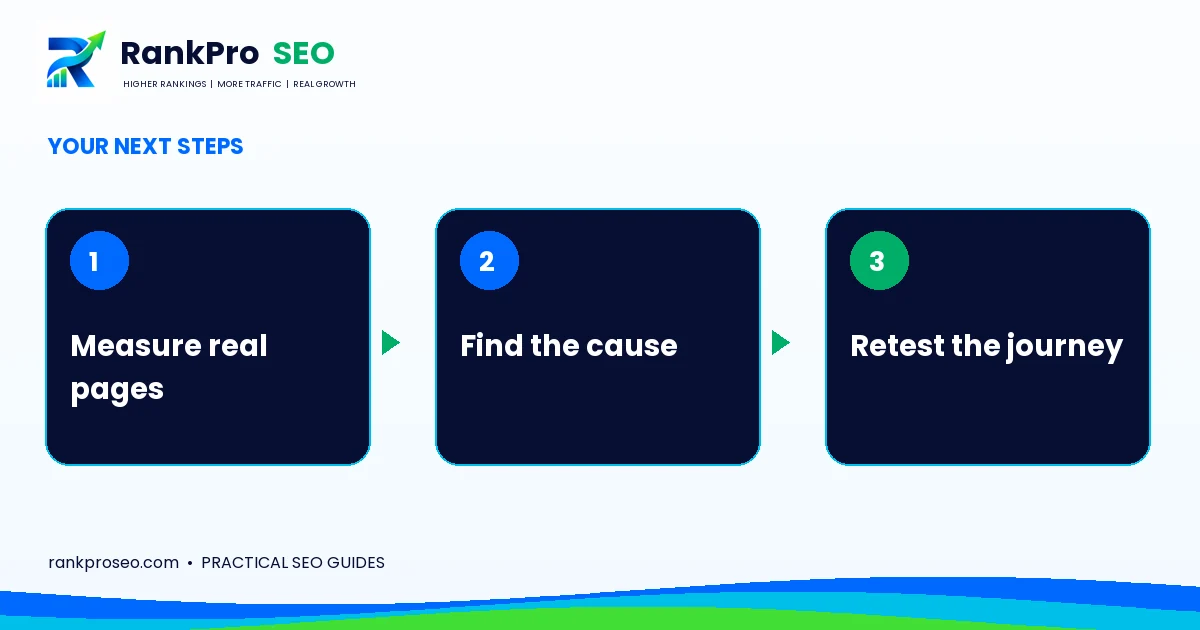
Set Core Web Vitals priorities by metric
Largest Contentful Paint measures loading of the main visible content; Interaction to Next Paint reflects responsiveness; Cumulative Layout Shift measures unexpected layout movement. Google’s good-experience targets are LCP within 2.5 seconds, INP below 200 milliseconds and CLS below 0.1.
Use field data when available to understand real experiences, then use lab tools to investigate causes. A new low-traffic site may not yet have enough field evidence. That is a measurement limitation, not proof that the site passes or fails.
Match the symptom to a likely investigation
| Symptom | Investigate |
|---|---|
| Slow main image | Image dimensions, delivery, request priority and server response |
| Unresponsive menu or form | Long JavaScript tasks and unnecessary third-party scripts |
| Content jumps while loading | Missing media dimensions, font behavior and late inserted elements |
These are starting points, not diagnoses. Confirm the cause in a performance trace before changing several things at once.
Choose representative pages
Test the homepage, a service page, a blog article and the contact journey. Include a smaller mobile viewport and realistic network conditions. A lightweight homepage result does not describe an image-heavy article or a page with an embedded booking tool.
For example, if an oversized hero image delays the main content, resize and compress that image first. If a form freezes because of scripts, image compression alone will not address the interaction problem.
Protect usability while optimizing
After each change, test the menu, consent controls, form validation and successful submission. Avoid delaying the main hero image simply because a blanket lazy-loading setting exists. Reserve dimensions for content images so the article remains stable as they load.
Common questions
Does passing guarantee top rankings?
No. Performance supports experience; relevance, usefulness and other signals still matter.
Should we add another optimization plugin?
Identify the cause and current tools first. Overlapping optimization settings can break functionality or make diagnosis harder.
Put the next step into practice
Need help applying this to your website? Explore the relevant RankProSEO service, or request a focused website review. Tell us what you want to improve and which page or process is involved. We will discuss the scope before recommending work.
Continue with the related planning guide for broader context.
Reference: Google: Core Web Vitals and Search. Practical examples in this article are illustrative, not client results. Platform features and guidance can change.