
A WordPress 301 redirect map pairs each permanently moved URL with its most relevant new destination. Build it before changing slugs or launching a redesign. Redirecting every old page to the homepage can leave visitors without the answer they expected.
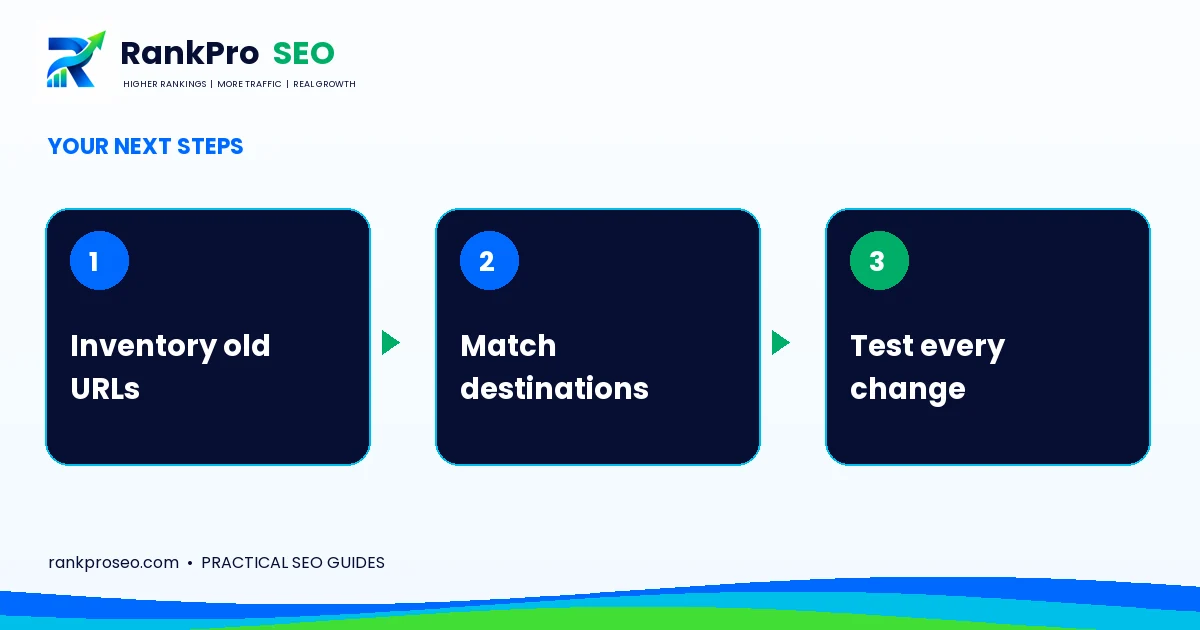
Create a WordPress 301 redirect map
Collect existing URLs from your sitemap, navigation, analytics, Search Console and important external links. Record each page’s purpose and proposed replacement. Include high-value documents or landing pages that may not appear in the main menu.
| Old URL | New destination | Reason |
|---|---|---|
| /seo-checkup/ | /services/seo-audit/ | Same service, clearer route |
| /old-local-guide/ | /blog/local-seo-checklist-new-york/ | Useful material consolidated into a relevant guide |
These paths are illustrative. Validate the real content relationship before implementing a redirect.
Choose the destination by intent
A service page should normally move to an equivalent service page. An informational guide should point to content that preserves its answer. If there is no replacement, decide whether a genuine not-found or gone response is more appropriate than an irrelevant redirect.
Google treats permanent redirects as a signal about the preferred destination. They do not make unrelated pages equivalent or eliminate the need for useful replacement content.
Implement one controlled system
Use an appropriate server rule or a reputable redirect tool compatible with your setup. Avoid overlapping rules across hosting, Cloudflare and several WordPress plugins unless you understand their order. Keep a backup of the current configuration and a dated copy of the map.
Test after deployment
- Request each old URL and confirm the intended permanent redirect.
- Check that the target returns the correct page.
- Remove loops and unnecessary redirect chains.
- Update internal links and sitemap entries to the final URL.
- Review canonical tags on the destination.
Repeat tests for important mobile entry pages and contact journeys. A redirect can work technically while pointing to a page with the wrong form or service description.
Common questions
Can WordPress handle every slug change automatically?
Do not assume it covers every migration scenario. Test actual old URLs.
Will rankings stay identical after a move?
No outcome is guaranteed. A careful map reduces avoidable disruption and preserves a sensible customer journey.
Put the next step into practice
Need help applying this to your website? Explore the relevant RankProSEO service, or request a focused website review. Tell us what you want to improve and which page or process is involved. We will discuss the scope before recommending work.
Continue with the related planning guide for broader context.
Reference: Google: Redirects and Search. Practical examples in this article are illustrative, not client results. Platform features and guidance can change.